
When Apple transitioned from Intel x86 processors to its custom ARM64 Apple Silicon architecture (from the groundbreaking M1 chip to the latest M3 and M4 generations), computing paradigms on the Mac shifted fundamentally.
With massive Unified Memory pools, dedicated Neural Engines, high-throughput GPU clusters, and asymmetrical CPU configurations (Performance vs. Efficiency cores), Apple Silicon provides unprecedented compute density.
Yet, many developers still run legacy database software through Rosetta 2 translation or cross-platform runtime environments that treat modern Apple hardware as a generic x86 box.
In this architectural deep dive, we examine how Apple Silicon executes database management workloads, analyze the penalties of binary emulation, and explain why building native Swift and Metal database software fundamentally changes database developer speed.
1. Unified Memory Architecture (UMA): Eliminating PCIe Data Transfer Bottlenecks
In traditional PC and Intel Mac architectures, the CPU and discrete GPU maintain separate, physically isolated pools of RAM. When rendering a database grid with 500,000 cells:
- The CPU fetches bytes from the network socket into system RAM.
- The UI framework formats and parses these strings.
- The system copies the vertex buffer over the PCIe bus into GPU VRAM for rendering.
This PCIe transfer bus is a notorious performance bottleneck, introducing frame drops, thermal throttling, and high memory replication.
The Apple Silicon Advantage: Zero-Copy Memory Access
On M1, M2, M3, and M4 chips, the CPU, GPU, and Neural Engine share a single high-bandwidth Unified Memory pool (operating at speeds between 100 GB/s to over 400 GB/s on Max/Ultra chips).
A native macOS application can allocate a chunk of memory for query results, and the GPU can render those exact same bytes directly via Apple’s Metal framework with zero memory copies:
// Zero-copy Metal buffer binding in native Swift
let metalBuffer = device.makeBuffer(bytesNoCopy: rawQueryPointer,
                                    length: bufferLength,
                                    options: .storageModeShared,
                                    deallocator: nil)
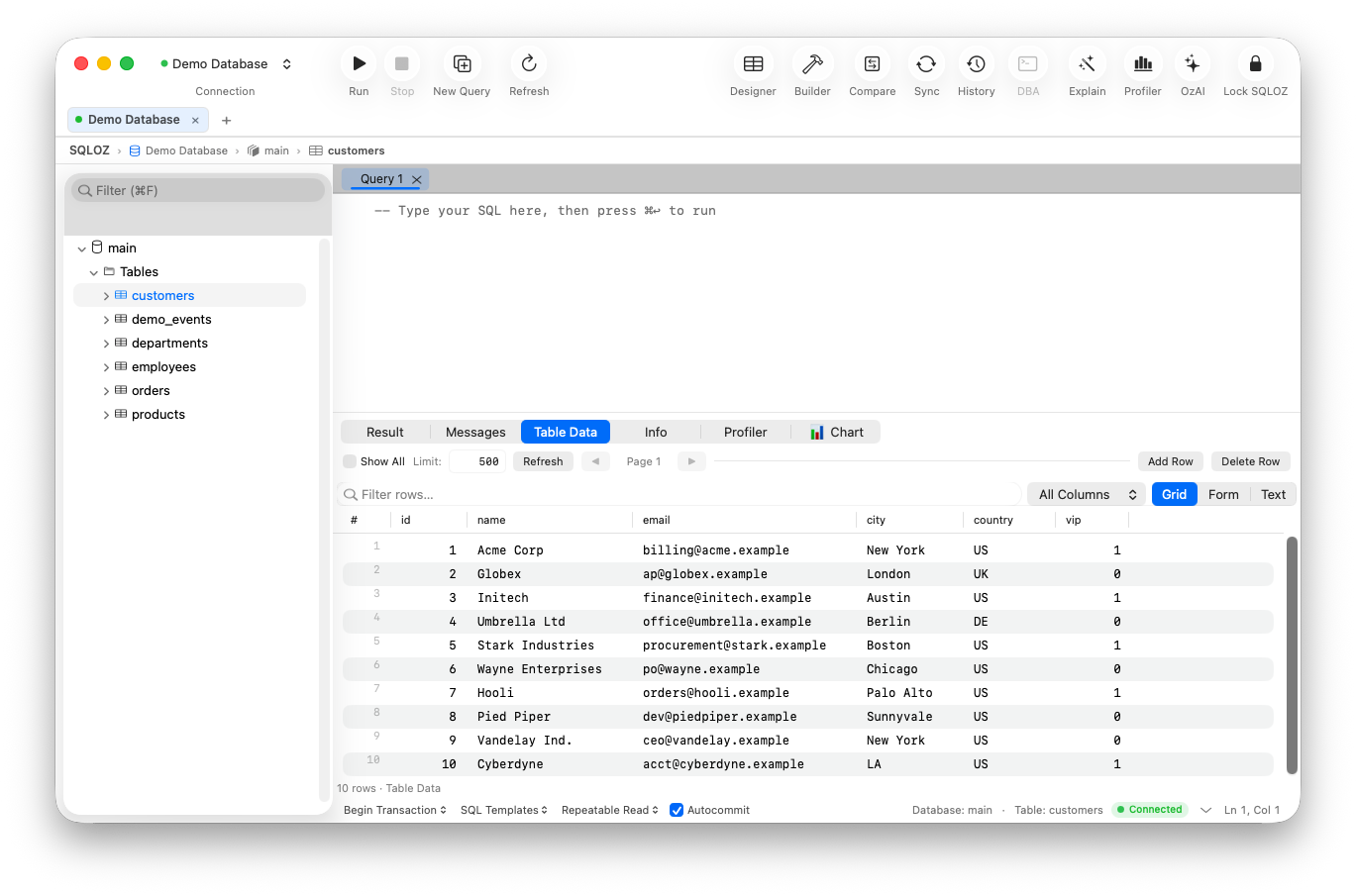
In SQLOZ, this zero-copy pipeline enables 120 FPS ProMotion scrolling through 1,000,000 row datasets while keeping RAM consumption under 100 MB.
2. The Rosetta 2 Emulation Tax
Rosetta 2 is an extraordinary engineering feat, enabling Intel x86_64 binaries to run on ARM64 Apple Silicon via dynamic binary translation. However, for I/O-intensive, high-throughput developer tools, Rosetta 2 imposes significant runtime penalties:
- Instruction Cache Pressure: Translated x86 instructions consume up to 30% more memory cache footprint than clean, native ARM64 instructions.
- Memory Consistency Model Mismatch: Intel x86 enforces Strong Memory Ordering (TSO), whereas ARM64 uses Weak Memory Ordering. To ensure thread safety, Rosetta 2 must insert additional memory barrier instructions (
DMB / DSB), which adds measurable latency to multi-threaded database network readers. - Battery Drain: CPU instruction translation forces the processor to run at higher clock frequencies, bypassing Apple Silicon’s ultra-low-power sleep states.
Running an Intel-only database client on an M3 MacBook Pro wastes substantial processing potential.
3. Harnessing ARM64 NEON SIMD for Vectorized SQL Parsing
When parsing gigabytes of raw CSV exports, JSON payloads, or tabular database packets, CPU-bound string processing is often the limiting factor.
ARM64 architecture includes NEON, a 128-bit SIMD (Single Instruction, Multiple Data) vector architecture:
- NEON registers can process sixteen 8-bit characters or four 32-bit integers in a single clock cycle.
- Native Swift compiles directly to NEON vector instructions via LLVM, allowing tokenizers to scan for delimiters (like commas, quotes, and newlines) at multi-gigabyte-per-second wire speeds.
Generic runtimes like Java (DBeaver) or Chromium V8 (Electron tools) cannot reliably generate hand-tuned NEON vector assembly for specific database protocol parsing.
4. Asymmetrical Core Scheduling: P-Cores vs. E-cores
Apple Silicon combines two distinct types of CPU cores:
- Firestorm / Avalanche / Everest Performance Cores (P-cores): Optimized for maximum single-threaded execution speed and high IPC (Instructions Per Cycle).
- Icestorm / Blizzard / Sawtooth Efficiency Cores (E-cores): Designed to draw a fraction of the power while handling continuous background maintenance.
A properly engineered native macOS app utilizes Apple’s Grand Central Dispatch (GCD) and modern Swift Concurrency (async/await) to schedule tasks intelligently:
// Heavy query compilation on Performance Cores
Task(priority: .userInitiated) {
    let plan = await compileExecutionPlan(ast)
}

// Background SSH tunnel heartbeat on Efficiency Cores
Task(priority: .background) {
    await maintainTunnelKeepalive()
}
By assigning background keepalives and schema caching strictly to E-cores, native applications keep the MacBook completely cool to the touch and completely silent.
Summary
Apple Silicon represents a monumental hardware leap, but hardware is only as good as the software written for it. Using translated x86 tools or resource-heavy virtual machines leaves tremendous performance on the table.
By using tools built exclusively for ARM64 and Metal like SQLOZ, developers unlock the full performance, battery life, and fluidity that modern Mac hardware was designed to deliver.
To explore real-world benchmarks, read our article on How Much RAM Does Your Database GUI Consume? Benchmarking Apple Silicon and learn about Why Native Swift macOS Database Clients Outperform Electron.