
Open your macOS Activity Monitor right now and filter processes by memory. If you are developing web or mobile applications, chances are your database client is quietly consuming between 1.2 GB and 3.5 GB of Unified Memory.
On a 16 GB MacBook Pro, sacrificing nearly 25% of your total RAM to a tool that simply queries tables and edits rows forces macOS into aggressive memory compression and disk swapping. As swap activity increases, the entire system experiences micro-stutters, compilation times slow down, and battery life plummets.
To quantify the real-world resource footprint of modern SQL tools, we ran standardized benchmarks across four prominent clients on an Apple Silicon M3 Pro MacBook with 36 GB Unified Memory running macOS Sequoia.
The Benchmark Methodology
We measured four widely used database clients:
- DBeaver Community (24.x): Java/Eclipse RCP architecture running on OpenJDK.
- JetBrains DataGrip (2025.x): Java Virtual Machine (JVM) backend with full IntelliJ IDE platform services.
- TablePlus (6.x): Native Swift/Objective-C client with proprietary C/C++ database drivers.
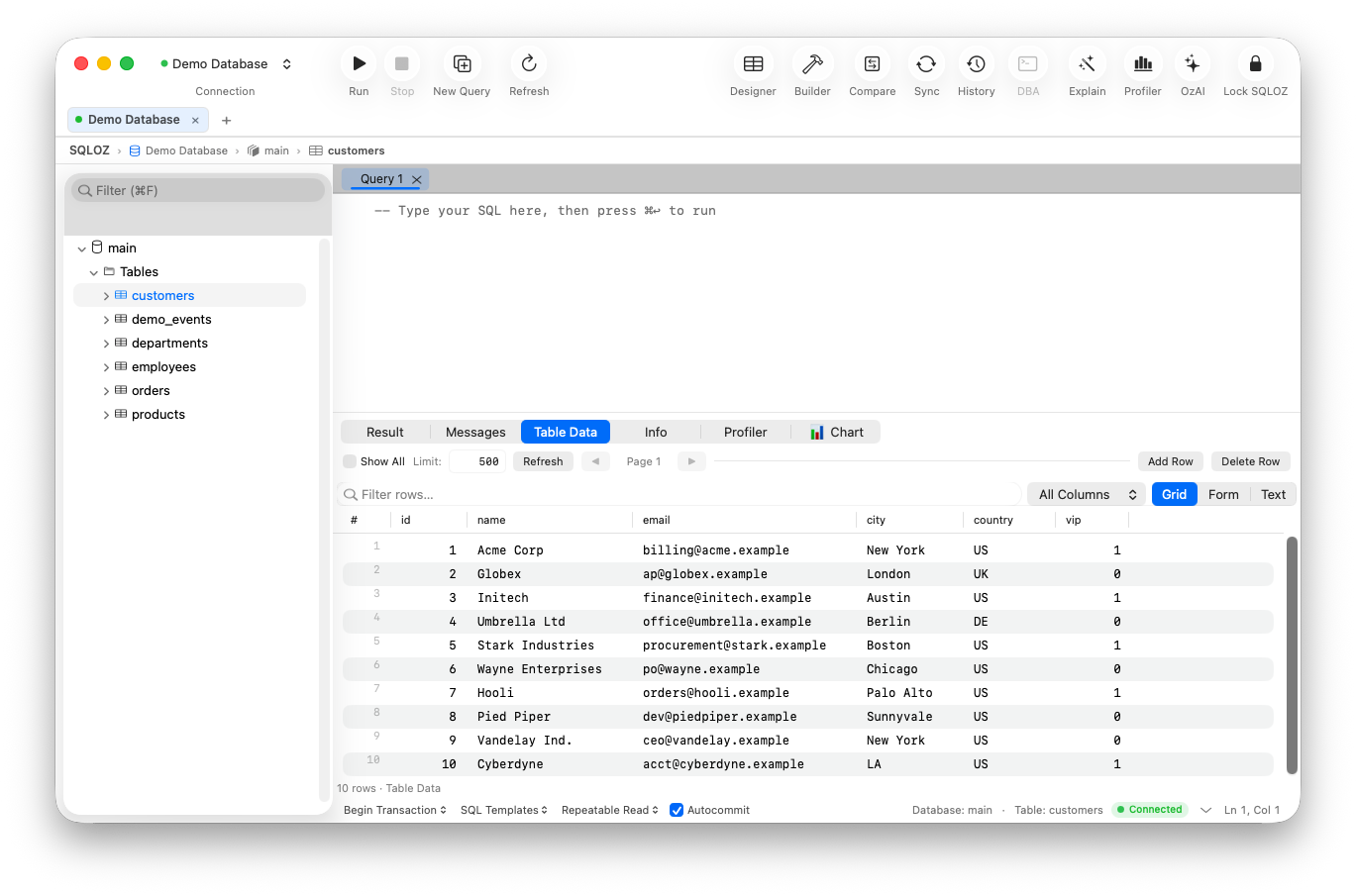
- SQLOZ (1.x): Pure native Swift and Metal-accelerated client optimized exclusively for Apple Silicon.
Test Scenarios:
- Test 1: Cold Launch Speed: Time from dock click to interactive connection window (measured via high-speed screen capture).
- Test 2: Idle Memory Footprint: RAM consumption with three active connections (MySQL 8, PostgreSQL 16, SQLite 3) and zero open query tabs.
- Test 3: Heavy Query Streaming: Memory spike and render latency when fetching and scrolling through a 1,000,000 row dataset.
- Test 4: Background Pressure: Memory growth after 4 hours in the background with active SSH tunnels.
The Benchmark Results
| Metric / Scenario | DBeaver (Java) | DataGrip (IntelliJ) | TablePlus (Native) | SQLOZ (Swift/Metal) |
|---|---|---|---|---|
| Cold Launch Time | 6.8 seconds | 8.4 seconds | 0.8 seconds | 0.4 seconds |
| Idle RAM (3 Connections) | 1,240 MB | 2,150 MB | 185 MB | 68 MB |
| 1M Row Result Memory Spike | 3,820 MB (OOM warnings) | 4,100 MB | 620 MB | 142 MB (Virtual Viewport) |
| Scroll Framerate (1M Rows) | 18–24 FPS (Jank) | 30–42 FPS | 55–60 FPS | 120 FPS (ProMotion Native) |
| Binary Bundle Size on Disk | 380 MB | 1.4 GB | 110 MB | 24 MB |
Architectural Breakdown: Why the Memory Gap is Massive
The difference between 68 MB and 2,150 MB is not a matter of minor code optimization. It is the direct consequence of three fundamentally different software architectures:
1. The Heavy JVM Garbage Collection Overhead (DBeaver & DataGrip)
Java-based clients require a full Java Virtual Machine instance. To avoid frequent garbage collection pauses, the JVM allocates large initial heap regions (-Xmx and -Xms). Even when querying zero rows, the JVM retains mapped virtual memory blocks that macOS cannot easily reclaim.
Furthermore, Java represents every single cell value as a heap-allocated java.lang.Object wrapper, causing extreme memory amplification during large queries.
2. The Native Swift Advantage (SQLOZ)
SQLOZ is compiled directly to ARM64 native machine instructions via LLVM. It operates with zero virtual machines, zero runtime interpreters, and zero garbage collection overhead.
Memory management is handled via Swift’s Automatic Reference Counting (ARC), releasing byte allocations the instant a query buffer or inspector modal closes.
3. Virtual Viewport vs. In-Memory Buffering
When fetching 1,000,000 rows, legacy clients attempt to instantiate millions of UI cell objects in memory.
SQLOZ uses a Metal-accelerated Virtual Viewport. Regardless of whether your query returns 50 rows or 5,000,000 rows:
- SQLOZ streams raw binary bytes directly through chunked socket readers.
- Only the 40 rows currently visible on your retina display are mapped to Metal vertex shaders at any given millisecond.
- As you scroll at 120 FPS, cell buffers are continuously recycled, keeping active RAM consumption capped below 150 MB.
Why RAM Efficiency Matters for Developers on macOS
On modern MacBooks with soldered Unified Memory, RAM cannot be upgraded. When your database GUI hoards 2 GB of RAM, it directly steals memory from:
- Local Docker containers and Kubernetes clusters.
- Fast Next.js, Vite, or Laravel dev server hot reload caches.
- Xcode or VS Code language servers (LSP).
Reducing your database GUI memory footprint from 2,000 MB to 70 MB frees up valuable head-room, keeping macOS out of swap memory and preserving NVMe SSD lifespan.
Summary
If you are tired of high fan noise, sluggish launch times, and RAM bloat during your daily database workflows, switching to a pure native Swift client like SQLOZ transforms your development experience.
To explore more about Apple Silicon performance and native developer setups, read our deep dive on Why Native macOS Matters for DBAs and check out our comparison on TablePlus vs DBeaver vs SQLOZ.