
Every Mac developer knows the feeling: you open Slack, Notion, Spotify, your IDE, and two different database management tools. Suddenly, your laptop fans spin up (or your M-series MacBook starts thermal throttling), your battery gauge drops precipitously, and the macOS Activity Monitor shows multiple Helper (Renderer) processes consuming hundreds of megabytes of RAM each.
The culprit? Electron.
Electron allows developers to package web applications (HTML, CSS, JavaScript) into desktop containers by bundling a full instance of the Chromium browser engine and Node.js runtime inside every single app.
While convenient for cross-platform software distributors, for data engineers and developers managing millions of database records, Electron is fundamentally misaligned with high-performance desktop computing.
In this technical breakdown, we examine why web-wrapped database clients choke your Mac and why pure native architecture matters.
1. The Architectural Cost of a Chromium Wrapper
When you launch an Electron-based database client, you aren’t just opening a query editor. You are launching:
- An entire instance of Google Chromium (including Blink rendering engine, V8 JavaScript compiler, and GPU process).
- A Node.js runtime to handle local I/O.
- Inter-Process Communication (IPC) bridges that serialize and deserialize every database packet between the Node background process and the Chromium DOM.
The Memory Multiplier
A simple “Hello World” Electron application starts at approximately 150MB of RAM before opening a single network socket. Add syntax highlighting, a virtualized data table, and JSON formatters, and baseline idle memory easily surges past 600MB to 1.2GB.
By contrast, a native macOS application written in Swift and AppKit:
- Links directly to shared system libraries already cached in memory.
- Uses lightweight AppKit table views (
NSTableView) that recycle UI cells directly in GPU memory. - Boots in under 100 milliseconds and idles at 40MB – 70MB of RAM.
2. The Bottleneck: Rendering Millions of Rows in a Web DOM
The true breaking point for Electron database tools is large result set rendering.
When a SQL query returns 100,000 rows across 25 columns:
- Serialization Tax: The native C database driver reads socket bytes, passes them to Node.js, serializes them to JSON, and sends them across the IPC bridge to Chromium.
- Garbage Collection Pauses: V8 must allocate millions of JavaScript objects for rows and cells. When you scroll quickly or clear results, the V8 Garbage Collector triggers stop-the-world pauses, resulting in visible frame drops (jank).
- DOM Virtualization Overhead: Even with sophisticated DOM virtualization libraries, manipulating HTML divs for complex tabular data stresses the browser’s style calculation and compositing pipeline.
The Native Metal & AppKit Advantage in SQLOZ
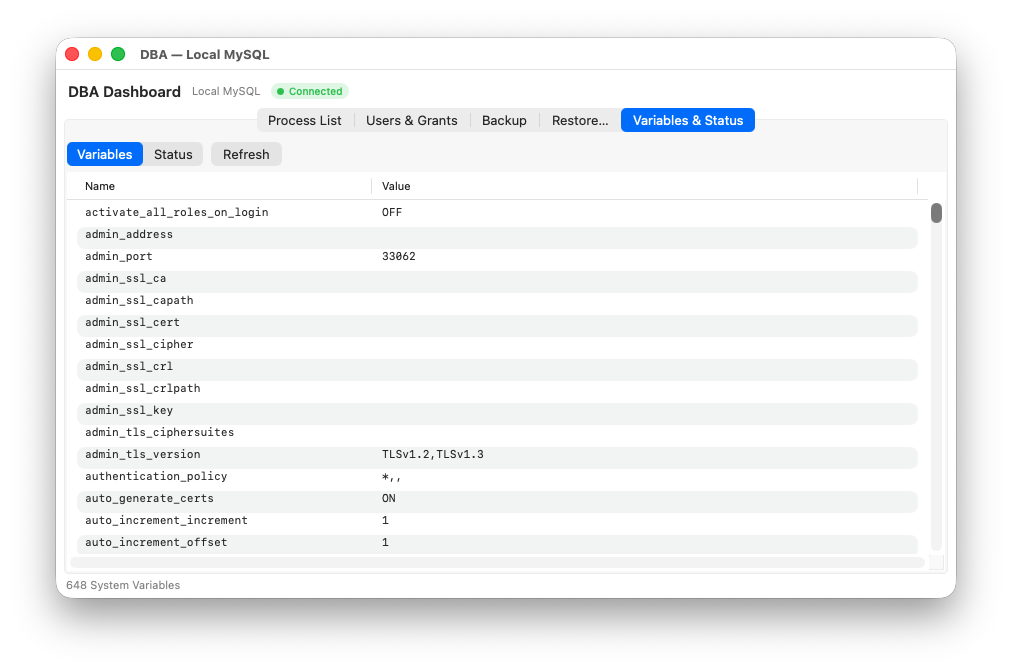
In SQLOZ, result sets bypass intermediate web runtimes entirely:
- Database packets stream directly from native C sockets into contiguous memory buffers.
- Grid rendering is powered by Metal hardware acceleration and Apple Silicon unified memory.
- Scrolling through hundreds of thousands of records runs at a buttery-smooth 120 FPS on ProMotion displays, with zero input lag.
3. Battery Life & Energy Impact
For developers working on MacBook Air or MacBook Pro laptops on the go, energy efficiency is a core quality-of-life factor.
Because Electron tools run a continuous JavaScript event loop and browser compositor, they keep the CPU in higher power states even when idle in the background. In contrast, native macOS applications leverage Apple’s App Nap and Grand Central Dispatch (GCD) quality-of-service (QoS) queues to drop CPU utilization to true 0.0% when not active.
Benchmark: Electron vs. Native macOS Database Clients
| Metric | Typical Electron DB Client | SQLOZ (Native Swift & Metal) |
|---|---|---|
| Idle RAM Footprint | 500 MB – 1.2 GB | 45 MB – 75 MB |
| Cold Startup Time | 2.5 – 5.0 seconds | < 100 milliseconds |
| Grid Scroll Rate (100k rows) | 30 – 45 FPS (visible stutter) | 120 FPS (Smooth ProMotion) |
| macOS Native Integration | Simulated web styling | Native Keychain, Touchpad Gestures, Dark Mode |
| Energy Impact (Activity Monitor) | High (continuous renderer polling) | Minimal (true App Nap support) |
Conclusion: Respect Your Mac Hardware
Your Mac is an engineering marvel with Apple Silicon unified memory and dedicated Metal graphics pipelines. Don’t hamstring its potential with sluggish, memory-hungry web wrappers.
Experience the speed, responsiveness, and battery life of a database client built genuinely for macOS.
Ready for a faster, lighter database workflow?
Download SQLOZ for macOS and leave Electron baggage behind.