
Node.js, Express, and modern TypeScript frameworks like Fastify and NestJS dominate asynchronous backend development. When pairing Node.js with databases, developers typically use query builders like Knex or lightweight ORMs like Drizzle and Kysely.
However, the asynchronous, non-blocking nature of the Node.js event loop introduces subtle database concurrency bugs. A forgotten .release() call on a pg.Pool client can lock up an entire connection pool, and subtle type mismatches in parameterized queries can lead to unindexed sequential table scans that degrade API throughput.
In this guide, we walk through diagnosing database issues in Express and Node.js applications, monitoring active client pools, and profiling queries with native macOS database tooling.
1. Diagnosing Node.js Connection Pool Exhaustion
When using the popular pg (node-postgres) driver, backend services maintain a pool of reusable connections:
import { Pool } from 'pg';

const pool = new Pool({
  max: 20, // maximum number of clients in the pool
  idleTimeoutMillis: 30000,
  connectionTimeoutMillis: 2000,
});
The Common Bug: Unreleased Clients
If an endpoint acquires a client manually and fails to release it in an error handler:
// LEAK: If an exception occurs, client.release() is never called!
app.get('/orders', async (req, res) => {
  const client = await pool.connect();
  const results = await client.query('SELECT * FROM orders WHERE user_id = $1', [req.user.id]);
  res.json(results.rows);
  client.release(); // Skipped if error thrown above!
});
Within minutes under load, all 20 pool slots are occupied, and subsequent requests fail with TimeoutError: ResourceRequest timed out.
The Best Practice:
Always use try ... finally blocks, or use pool.query() directly:
const client = await pool.connect();
try {
  const results = await client.query('SELECT * FROM orders WHERE user_id = $1', [req.user.id]);
  res.json(results.rows);
} finally {
  client.release(); // Guaranteed to run even on unhandled exceptions!
}
2. Inspecting Node.js Backend Connections in PostgreSQL
To verify how many connections your Express service is currently holding, query pg_stat_activity:
SELECT
    pid,
    usename,
    application_name,
    client_addr,
    state,
    NOW() - state_change AS idle_duration,
    query
FROM pg_stat_activity
WHERE application_name LIKE '%node%' OR application_name = 'pg'
ORDER BY idle_duration DESC;
If you see numerous sessions in the idle in transaction state, an Express route started a BEGIN transaction and failed to commit or rollback.
3. Working with SQLite in Node.js (better-sqlite3)
Many high-throughput Node.js microservices use better-sqlite3 for local embedded performance:
import Database from 'better-sqlite3';

const db = new Database('./app.db');
// Critical: Enable WAL mode for high concurrency
db.pragma('journal_mode = WAL');
When debugging better-sqlite3 databases locally on macOS, opening the .db file in SQLOZ allows you to inspect tables and execute queries simultaneously without interrupting your running Node.js process. Because SQLOZ fully honors SQLite WAL concurrency, your dev server and your GUI client can read and write concurrently without database is locked conflicts.
4. Visual Query Profiling with SQLOZ (macOS Native)
When an Express API endpoint responds slowly, testing the raw query in SQLOZ reveals the exact database bottleneck.
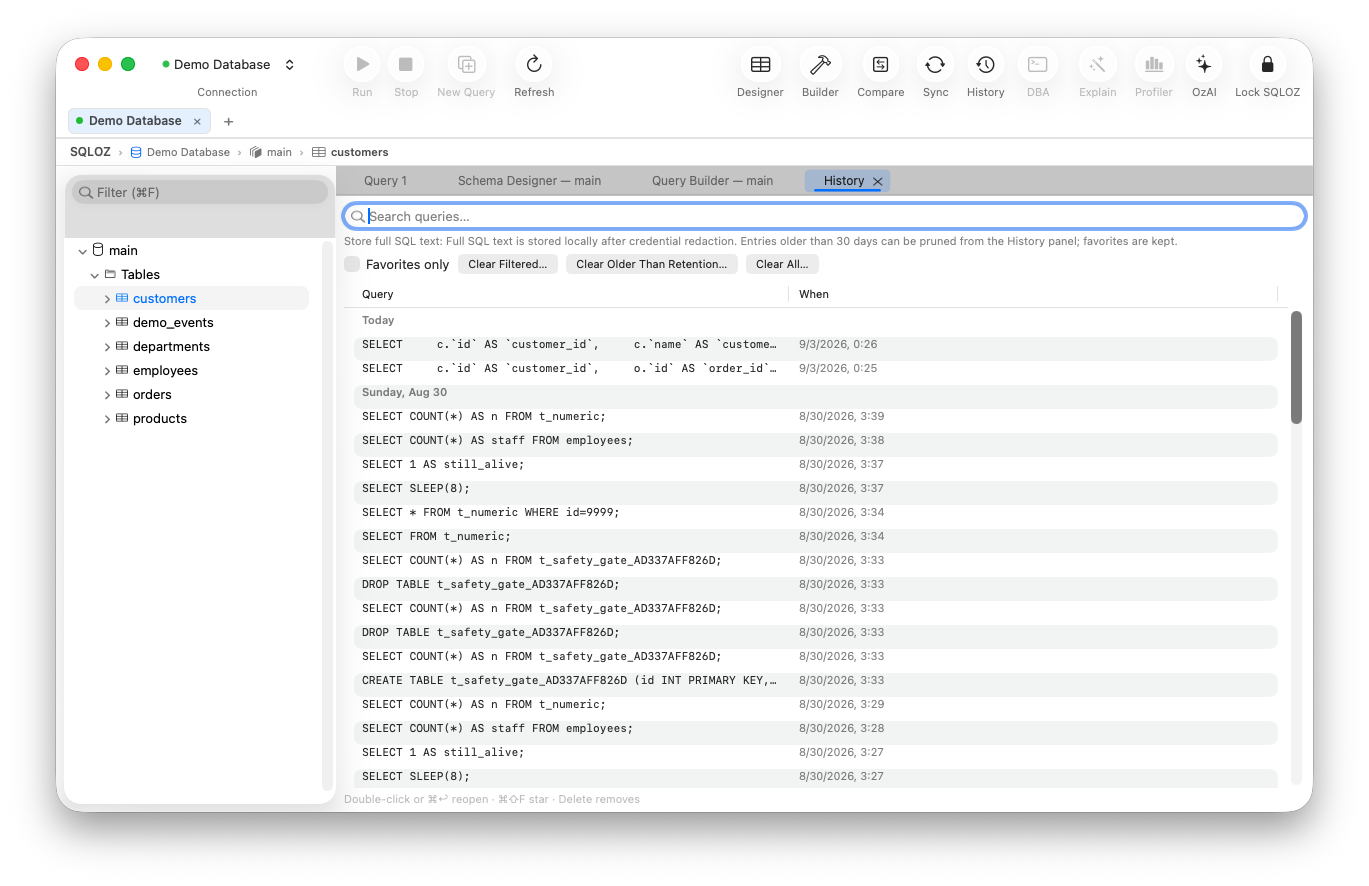
Key SQLOZ Features for Node.js Developers:
- Interactive Processlist & Kill Query: View all active connections established by your Express app in real time. Terminate stuck transactions or deadlocked queries in one click.
- Visual EXPLAIN Cost Analyzer (OzExplain): Paste complex Drizzle or Knex queries into SQLOZ to inspect whether filters are hitting B-tree indexes or triggering costly sequential scans.
- Multi-Environment Tags: Clearly distinguish local development SQLite/Postgres databases from staging and production cloud clusters with high-contrast color badges.
Summary
Debugging Node.js database interactions requires a clear understanding of connection pooling, transaction boundaries, and index utilization. By combining disciplined pool management with native macOS tools like SQLOZ, backend developers can build reliable, high-throughput microservices.
To explore further techniques on database troubleshooting, check out our guide on How to Find and Kill Stuck Queries in MySQL and PostgreSQL and learn How to Inspect Indexes and Optimize Slow SQL Queries.