
Connecting to remote staging and production databases through an SSH Tunnel (Bastion Host) is standard security protocol. However, few things disrupt developer focus more than your SSH connection dropping after just a few minutes of inactivity.
You switch over to Slack or GitHub for five minutes, return to your database GUI, run a query, and your application freezes for 30 seconds before reporting:
SSH_MSG_DISCONNECT: Connection timed out
-- or:
Broken pipe (Write failed)
In this tutorial, we explain why SSH connections drop on macOS and show you how to configure rock-solid keep-alives - both globally in your SSH configuration and natively inside SQLOZ.
1. Why Do Remote SSH Tunnels Drop on macOS?
The culprit is almost never your local Mac hardware; it is Stateful Network Address Translation (NAT) Firewalls along the path between your home Wi-Fi and your cloud provider (AWS, DigitalOcean, Hetzner):
- NAT routers track active connections in a state table.
- To conserve memory, firewalls drop entries for connections that have not transmitted packets for 60 to 120 seconds.
- When your database client finally sends a query, the intermediate firewall no longer recognizes the TCP stream and drops the packet.
2. The Global macOS SSH Configuration Fix
To keep command-line SSH tunnels alive, configure client-side heartbeat pings in ~/.ssh/config:
# Edit your personal SSH config:
nano ~/.ssh/config
Add these global directives:
Host *
    # Send a keep-alive packet to the server every 30 seconds:
    ServerAliveInterval 30
    # Disconnect only if the server fails to respond 3 consecutive times (90s):
    ServerAliveCountMax 3
    # Enable TCP-level keepalive:
    TCPKeepAlive yes
Now, every time your Mac opens an SSH connection, it sends an encrypted null packet every 30 seconds, signaling to intermediate firewalls that the session is active.
3. The Modern Solution: Automated Native Tunnels in SQLOZ
While editing ~/.ssh/config helps Terminal sessions, many GUI database clients run independent SSH libraries that ignore your local config file.
SQLOZ solves this natively:
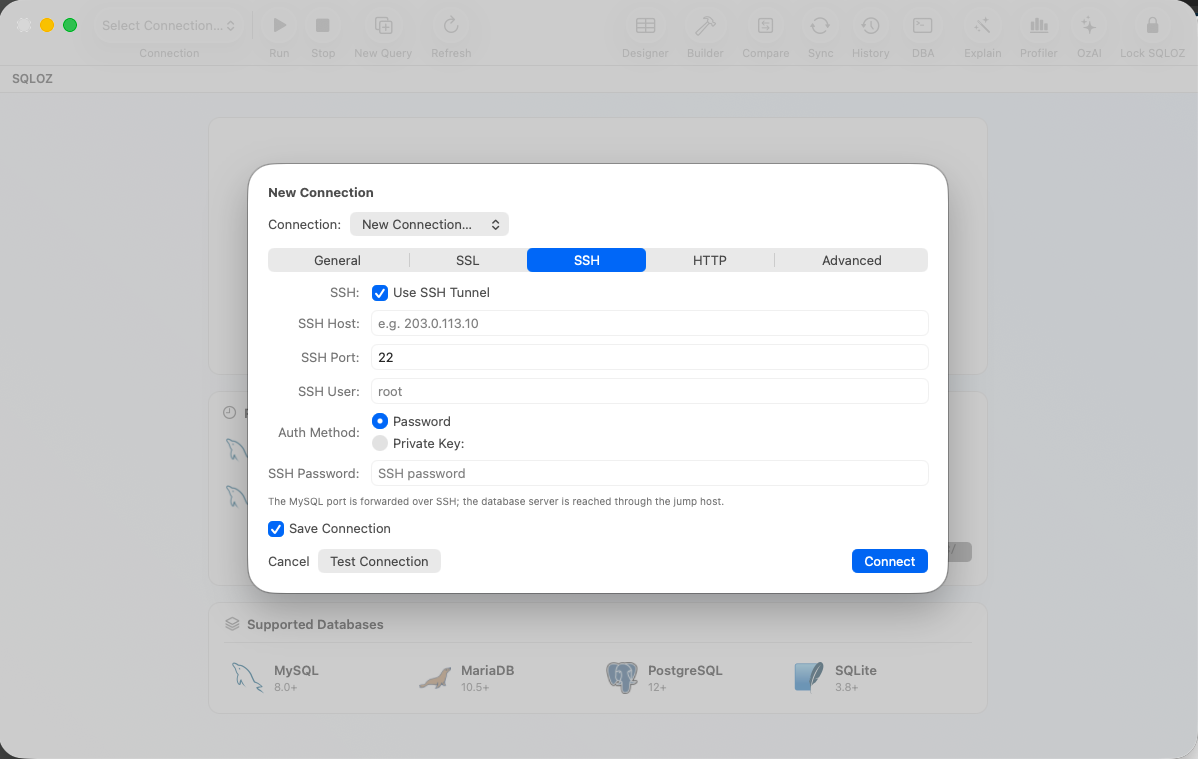
- Embedded Keep-Alive Engine: When you enable an SSH tunnel in SQLOZ, the client’s internal Swift SSH driver automatically transmits heartbeat signals at 25-second intervals.
- Wake-from-Sleep Auto-Reconnection: When you open your MacBook lid on a new Wi-Fi network, SQLOZ automatically tears down the dead socket and negotiates a new cryptographic handshake without requiring you to restart the app.
- Multi-Hop Bastion Support: Connect through corporate jump hosts using SSH keys stored securely in the macOS Keychain.
Summary
Broken SSH pipes and silent disconnects waste valuable engineering time. By configuring ServerAliveInterval and using a resilient native client like SQLOZ, your remote database tunnels will stay connected all day.
Download SQLOZ for macOS and experience rock-solid SSH database tunneling today.