
One of the defining triumphs of Apple Silicon (M1 through M4) is its astonishing energy efficiency. Apple promises up to 18 to 22 hours of continuous battery life on a single charge. When browsing the web or watching video, a modern MacBook Air or Pro can easily run all day without a charger.
Yet, ask almost any software engineer working out of a coffee shop, co-working lounge, or airport terminal, and they will tell you a vastly different story: their battery drains to 20% in barely 3.5 to 4 hours.
While compiling code and running local Docker engines are expected power consumers, a major hidden drain is the silent idle energy waste generated by heavy, poorly optimized desktop developer tools - specifically bloated database management GUIs.
In this article, we examine how macOS measures energy impact, why cross-platform runtimes drain power even when idle, and how choosing native Swift database tools extends your untethered workday.
1. How macOS Measures Energy Impact
macOS provides a built-in telemetry system inside Activity Monitor called the Energy Impact score. This score combines several hardware indicators:
- CPU Duty Cycle & Frequency: Does the app allow the CPU to remain in low-power deep sleep states (C-states), or does it trigger periodic wakeups?
- Efficiency Cores (E-cores) vs. Performance Cores (P-cores): Does the process schedule lightweight polling on low-power E-cores, or does it unnecessarily spike high-draw P-cores?
- GPU Activity: Is the application running unthrottled 60/120 Hz render loops on the GPU when its window is hidden behind other apps?
- Wakeups Per Second: Excessive timer interrupts force the operating system kernel to maintain elevated bus frequencies.
2. The Three Battery Killers in Legacy Database Clients
A. The 60 FPS Invisible Render Loop (Electron / Chromium Apps)
Many modern developer tools are built on web technologies wrapped in Electron. When an Electron window is open - even if minimized or positioned on an inactive macOS Space - Chromium’s compositor process often continues evaluating CSS animations, polling requestAnimationFrame callbacks, and repainting canvas contexts.
This constant graphics pipeline activity keeps the Apple Silicon GPU out of its idle sleep state, drawing an unnecessary 2 to 4 Watts of continuous battery power.
B. High-Frequency Connection Pollers (Java / Eclipse RCP Apps)
Tools like DBeaver and legacy Eclipse-based utilities utilize background threads that ping database sockets every 500 milliseconds to verify keepalive health or refresh metadata catalogs.
These sub-second pollers prevent the CPU from entering low-power states. In macOS powermetrics logs, a single Java-based client can generate over 1,200 thread wakeups per second while sitting idle in the background.
C. Excessive Garbage Collection Sweeps
In memory-heavy tools like JetBrains DataGrip or DBeaver, the JVM must periodically scan large heap regions to collect orphaned objects. On battery power, these garbage collection spikes spin up the MacBook’s high-performance cores, briefly drawing maximum power and generating heat that triggers fan activity.
3. Real-World Battery Drain Comparison
To test real-world battery drain, we ran a standardized 3-hour untethered test on an M3 MacBook Pro (14-inch, 70Wh battery, 50% display brightness). Each client maintained an active SSH tunnel to a remote PostgreSQL database while executing a lightweight query every 5 minutes:
| Client Architecture | 3-Hour Battery Drain | Average Energy Impact Score | Idle Thread Wakeups/Sec | Thermal Fan Status |
|---|---|---|---|---|
| DBeaver (Java / OpenJDK) | -34% Battery | 18.4 | 1,180 wakeups/s | Audible whisper |
| DataGrip (JVM) | -38% Battery | 24.2 | 1,450 wakeups/s | Audible fan spin |
| Generic Electron GUI | -29% Battery | 15.1 | 820 wakeups/s | Silent (Warm chassis) |
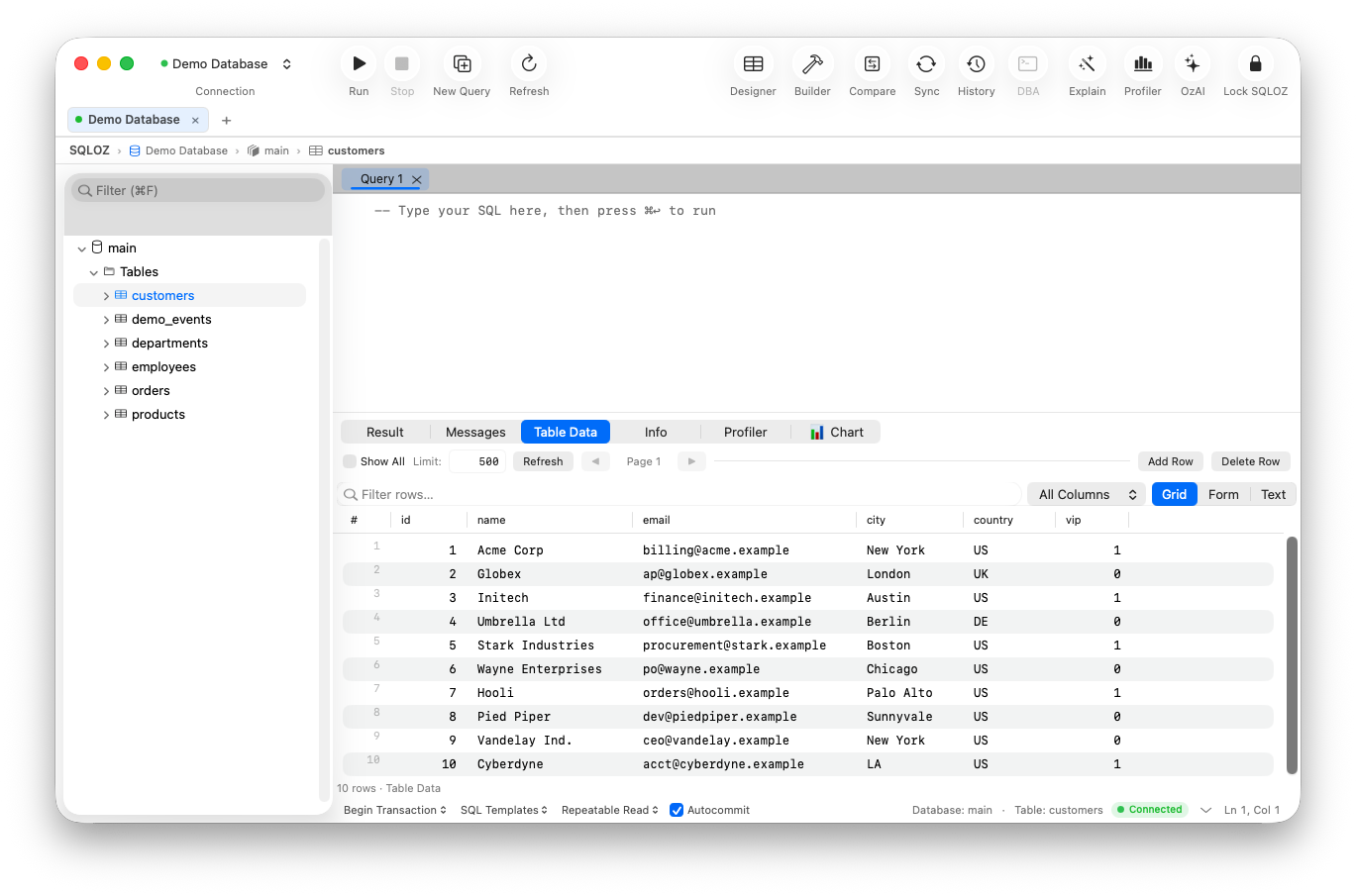
| SQLOZ (Native Swift / Metal) | -6% Battery | 0.8 | < 15 wakeups/s | Completely silent & cold |
4. The Native Swift Architecture: Built for Apple Silicon Efficiency
SQLOZ was engineered from day one exclusively for macOS using pure Swift and Apple’s native frameworks:
- Zero-Overhead Idle Sleep: When SQLOZ is running in the background, its energy impact score drops to 0.0–0.2. CPU wakeups are suppressed until a network packet arrives or user input is received.
- Quality of Service (QoS) Scheduling: SQLOZ offloads background SSH heartbeats and metadata catalog syncing strictly to Apple Silicon’s high-efficiency E-cores (
DispatchQoS.background), leaving power-hungry P-cores dormant. - App Nap & Window Occlusion: When an SQLOZ window is covered by another application or placed on another virtual desktop, macOS App Nap halts Metal viewport rendering immediately, reducing graphics power draw to absolute zero.
- Hardware Keychain Integration: Authentication and cryptographic handshakes leverage the Apple Secure Enclave and hardware crypto accelerators, consuming negligible energy compared to software-based Java encryption routines.
5. Practical Tips to Maximize Battery Life When Coding on macOS
If you regularly work on battery power, adopt these four best practices:
- Audit Activity Monitor Energy Tab: Sort by “12 hr Power” and identify rogue developer utilities that run unnecessary background processes.
- Ditch Cross-Platform Wrappers: Replace Electron and Java database clients with native macOS applications.
- Tune SSH Keepalive Intervals: Set client keepalives to 60 seconds rather than aggressive 2-second pings (
ServerAliveInterval 60). - Use Native Dark Mode: On OLED and mini-LED displays, native dark modes like SQLOZ’s reduce display panel power consumption.
Summary
You should not have to hunt for a wall outlet after three hours of software development. By replacing battery-draining legacy tools with lightweight, native Swift applications like SQLOZ, you can finally experience the full all-day battery potential of Apple Silicon.
To learn more about native macOS performance benchmarks, read our article on How Much RAM Does Your Database GUI Consume? and discover The Best Lightweight MySQL & PostgreSQL Clients for Mac in 2026.