
The web development landscape has shifted dramatically toward serverless, edge-ready databases:
- Supabase: Hosted, scalable PostgreSQL with real-time replication and auth.
- Cloudflare D1: Cloudflare’s serverless, globally distributed SQLite database built for Cloudflare Workers and Pages.
While both platforms offer web-based consoles, developing complex full-stack applications through a browser dashboard is clunky: web editors lack multi-tab workflows, deep keyboard shortcuts, visual schema designers, and offline local caching.
In this tutorial, we show you how to connect your native macOS database GUI - specifically SQLOZ - directly to both Supabase PostgreSQL and Cloudflare D1 for high-speed desktop development.
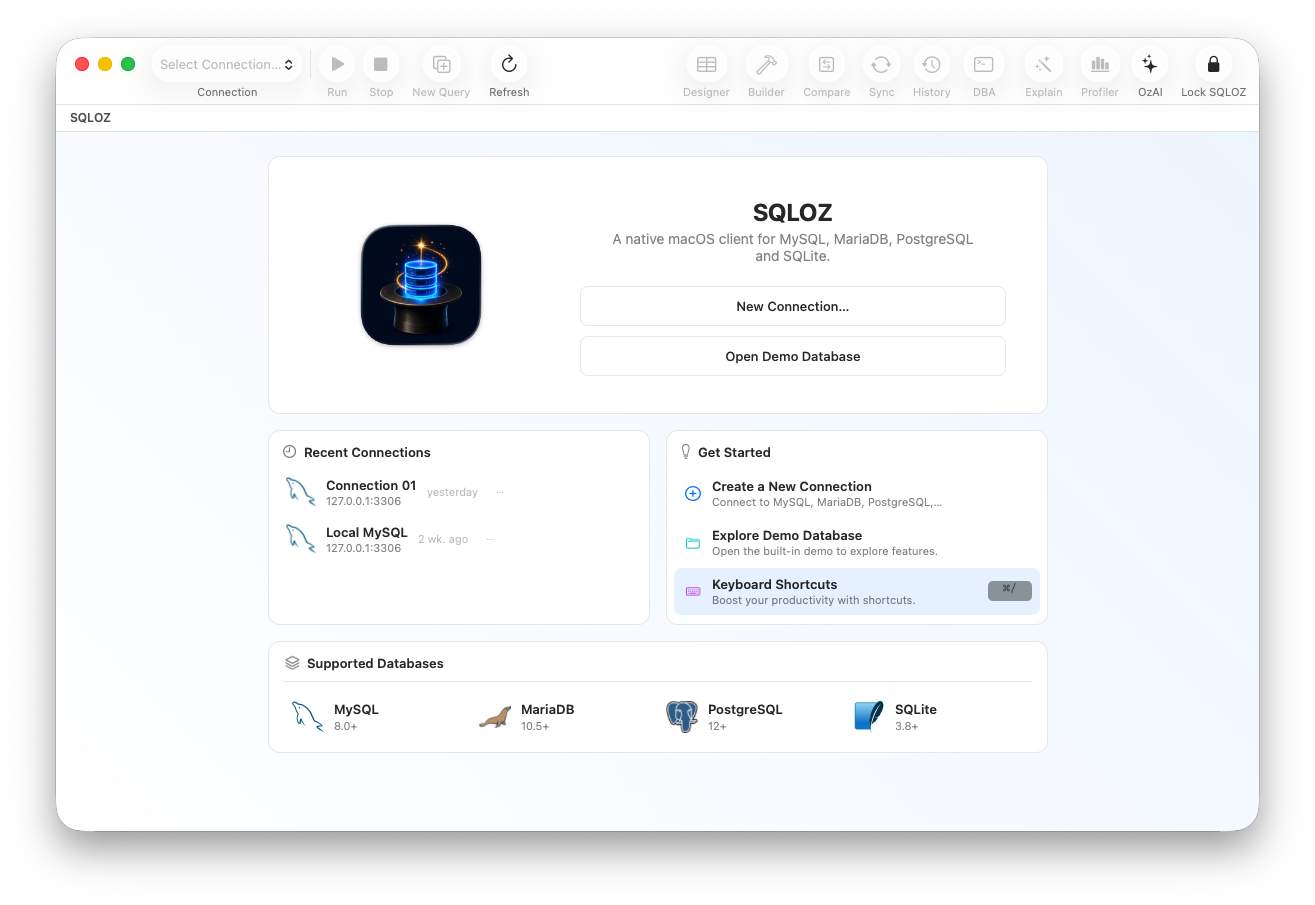
1. Connecting to Supabase PostgreSQL in SQLOZ
Supabase provides standard PostgreSQL connection endpoints protected by TLS:
Step 1: Gather Your Supabase Credentials
- In the Supabase Dashboard, open Project Settings ➔ Database.
- Copy your Host (e.g.,
db.xxxxxx.supabase.co), Port (5432 or 6543 for PgBouncer pooling), User (postgres), and Database (postgres).
Step 2: Configure the Connection in SQLOZ
- Open SQLOZ and click New Connection ➔ PostgreSQL.
- Enter your host, port, user, and password.
- Under the SSL tab, set SSL Mode: to Require.
- Click Test Connection. SQLOZ establishes a secure TLS 1.3 socket and opens your Supabase schema in under 200ms.
2. Managing Cloudflare D1 Databases Locally
Cloudflare D1 is based on SQLite, replicated globally across Cloudflare’s edge network. During local development with wrangler, Cloudflare stores your local D1 database inside your project repository as a local SQLite file.
Step 1: Locate Your Local D1 SQLite File
When you run npx wrangler d1 execute ... --local or npm run dev, Cloudflare stores the local SQLite state inside:
.wrangler/state/v3/d1/miniflare-D1DatabaseObject/[DATABASE_ID].sqliteStep 2: Open D1 Directly in SQLOZ
- Launch SQLOZ.
- Drag the
.sqlitefile from.wrangler/state/...directly into the SQLOZ window. - You can now inspect tables, modify rows in the Data Grid, and run queries with complete local SQLite speed - without needing to execute repetitive
wrangler d1 executeterminal commands!
Step 3: Export or Migrate Between D1 and Supabase
Need to move data between Cloudflare D1 (SQLite) and Supabase (PostgreSQL)?
- In SQLOZ, right-click your local D1 SQLite file and select Migrate to PostgreSQL (Supabase)…
- SQLOZ translates SQLite types to PostgreSQL standards and streams records across cloud boundaries in seconds.
Read our full guide on How to Migrate Local SQLite Database to Supabase PostgreSQL.
Summary
Modern serverless and edge databases shouldn’t restrict you to slow browser consoles.
With SQLOZ, Mac developers get a unified, native desktop command center that connects to Supabase, Cloudflare D1, local SQLite files, and remote cloud clusters with Apple Silicon speed.
Download SQLOZ for macOS and manage your edge database stack with ease today.