
Before running an experimental migration, backfilling historical columns, or testing a complex update script, creating a clone or backup of a specific MySQL table is standard developer insurance.
However, doing this by hand in raw SQL involves multiple steps:
CREATE TABLE table_backup LIKE table_original;(to duplicate structure and indexes),INSERT INTO table_backup SELECT * FROM table_original;(to copy rows).
If you are dealing with a large production table containing millions of rows, running INSERT ... SELECT holds shared read locks on the original table, potentially stalling concurrent application writes and causing connection timeouts.
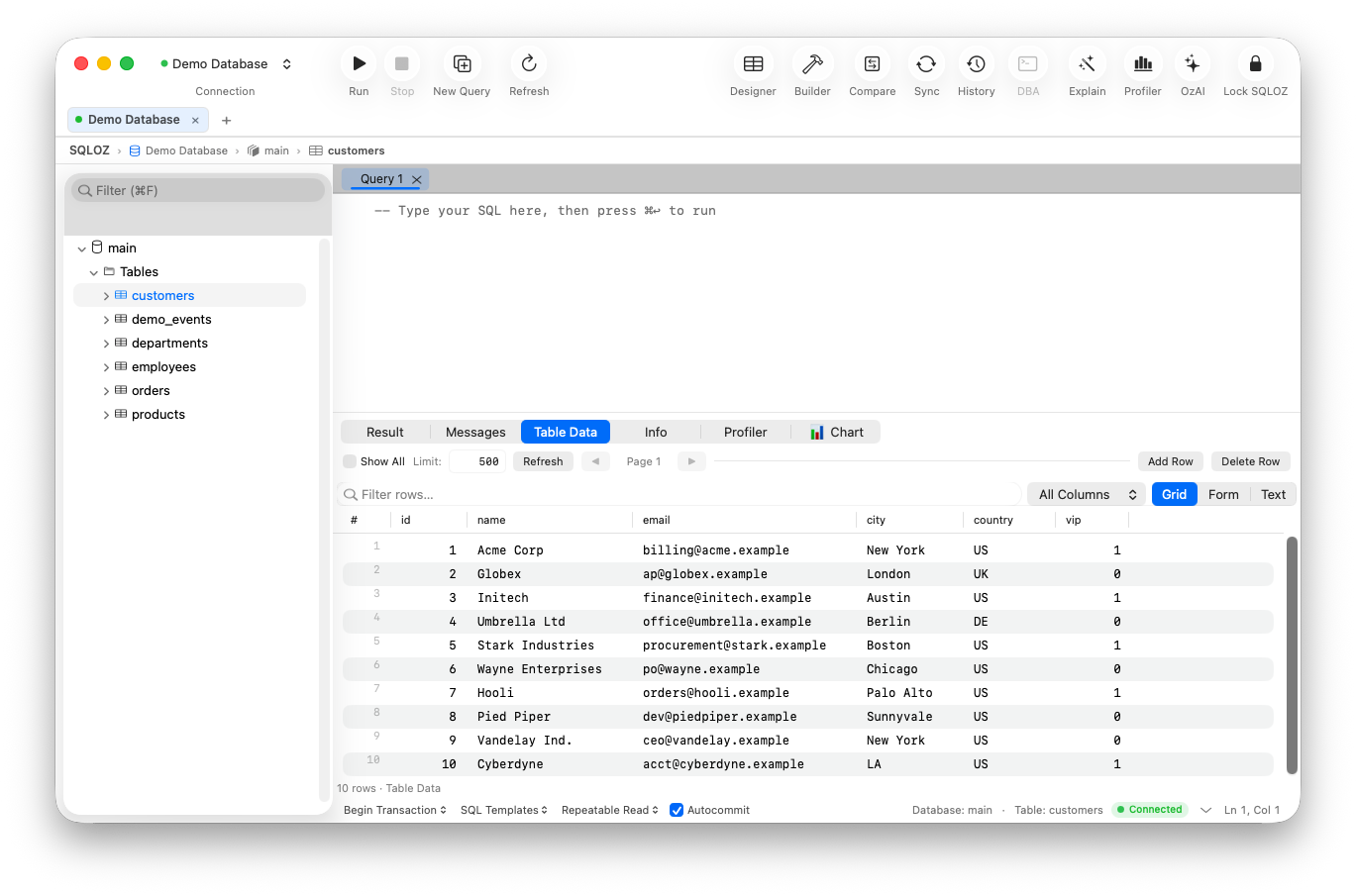
In this tutorial, we show you the command-line mechanics of table cloning and how to duplicate any MySQL or PostgreSQL table in one click using SQLOZ on macOS.
1. The Two-Step SQL Command Line Way
In MySQL:
-- Step 1: Copy exact schema, primary keys, indexes, and engine properties:
CREATE TABLE users_backup_20260914 LIKE users;

-- Step 2: Copy all row data:
INSERT INTO users_backup_20260914 SELECT * FROM users;
The Production Risk:
On tables larger than 1GB, Step 2 triggers prolonged lock contention. If new rows are being inserted concurrently by your web application, MySQL’s buffer pool can stall.
2. The One-Click GUI Solution in SQLOZ
SQLOZ makes cloning tables instantaneous and safe:
- In the left Object Browser, right-click the table you want to duplicate (e.g.
users). - Select Duplicate Table…
- Choose your options:
- Structure Only: Creates an empty clone with all indexes and constraints.
- Structure + Data: Copies both schema and existing row data.
- Enter your new table name (e.g.,
users_backup). - Click Duplicate.
SQLOZ executes the duplication in non-blocking background chunks, preserving all indexes, auto-increment properties, and character sets without freezing your editor or stalling remote application traffic.
Summary
Never run risky schema changes or batch updates without a clean fallback.
With SQLOZ, Mac developers can duplicate tables in one click with complete index fidelity and zero downtime.
Download SQLOZ for macOS and safeguard your database operations today.