
Modern relational databases have evolved far beyond flat tabular schemas. Today, MySQL and PostgreSQL are routinely utilized to store dynamic payloads, microservice event logs, and nested configuration objects via native JSON and JSONB data types.
However, interacting with deeply nested JSON documents in a traditional command-line terminal or legacy SQL editor is a notoriously frustrating experience. Raw unformatted JSON strings wrap awkwardly across terminal columns, and minor typographical syntax errors during inline updates can corrupt application state.
In this guide, we explore how PostgreSQL and MySQL handle structured documents, how to query nested keys with native SQL operators, and how to inspect and modify JSON payloads with visual tree editors on macOS.
MySQL vs. PostgreSQL: JSON Storage Architecture
Before querying or updating documents, understanding how each engine physically handles JSON data explains why certain visual interactions and query patterns perform better:
| Database Engine | Native Data Type | Physical Storage Format | Indexing Capabilities | In-Place Mutation |
|---|---|---|---|---|
| MySQL (8.0+) | JSON | Binary JSON (optimized internal document structure) | Generated Virtual Columns + Secondary B-Trees, Multi-Valued Indexes | Partial updates supported via JSON_SET() without rewriting full record |
| PostgreSQL | json | Plain text JSON literal | Limited (text indexing or functional indexes) | Must re-parse text on every read; full row rewrite |
| PostgreSQL | jsonb | Decomposed binary format | GIN (Generalized Inverted Index) for arbitrary key/value searches | Binary repacking on write, ultra-fast key lookups on read |
[!TIP] In PostgreSQL, always default to
jsonbunless you have an explicit requirement to preserve exact whitespace or duplicate keys. For MySQL, nativeJSONautomatically performs syntax validation upon insertion and organizes keys alphabetically in binary storage.
Querying Nested JSON with Native SQL
When writing raw analytical queries or building backend endpoints, you must extract nested scalar values and filter objects efficiently.
PostgreSQL JSONB Extraction Operators
PostgreSQL provides specialized operators to navigate object hierarchies:
-- Extract nested object as JSONB (-> operator)
-- Extract leaf value as scalar text (->> operator)
SELECT
    id,
    user_metadata->'profile'->>'username' AS username,
    user_metadata->'preferences'->>'theme' AS ui_theme,
    (user_metadata->'billing'->>'plan_credits')::INT AS credits
FROM accounts
WHERE user_metadata @> '{"billing": {"tier": "pro"}}'
ORDER BY credits DESC
LIMIT 50;
Here, the containment operator (@>) allows PostgreSQL to leverage a GIN index on user_metadata, preventing a costly sequential table scan across millions of records.
MySQL JSON Extraction and Path Expressions
MySQL utilizes the -> and ->> shorthand operators (aliases for JSON_EXTRACT and JSON_UNQUOTE(JSON_EXTRACT)):
-- Extract and cast nested attributes in MySQL 8.0+
SELECT
    id,
    user_metadata->>'$.profile.username' AS username,
    user_metadata->>'$.preferences.theme' AS ui_theme,
    CAST(user_metadata->>'$.billing.plan_credits' AS UNSIGNED) AS credits
FROM accounts
WHERE JSON_CONTAINS(user_metadata, '"pro"', '$.billing.tier')
ORDER BY credits DESC
LIMIT 50;
The Bottleneck: Editing Raw JSON in Terminal Buffers
Attempting to update a single nested boolean flag or configuration string using raw SQL can be hazardous. Consider updating an API webhook URL inside a nested settings object:
-- Fragile and prone to syntax errors or accidental key overwrites
UPDATE accounts
SET user_metadata = JSON_SET(
    user_metadata,
    '$.integrations.slack.webhook_url',
    'https://hooks.slack.com/services/T00/B00/XXXX'
)
WHERE id = 48210;
One misplaced quotation mark, mismatched bracket, or erroneous JSON path expression can wipe out sibling keys or cause production API exceptions.
Visualizing and Mutating JSON in SQLOZ
To eliminate manual string escaping, SQLOZ features a dedicated native JSON Inspector integrated directly into its Metal-accelerated Table Data Grid.
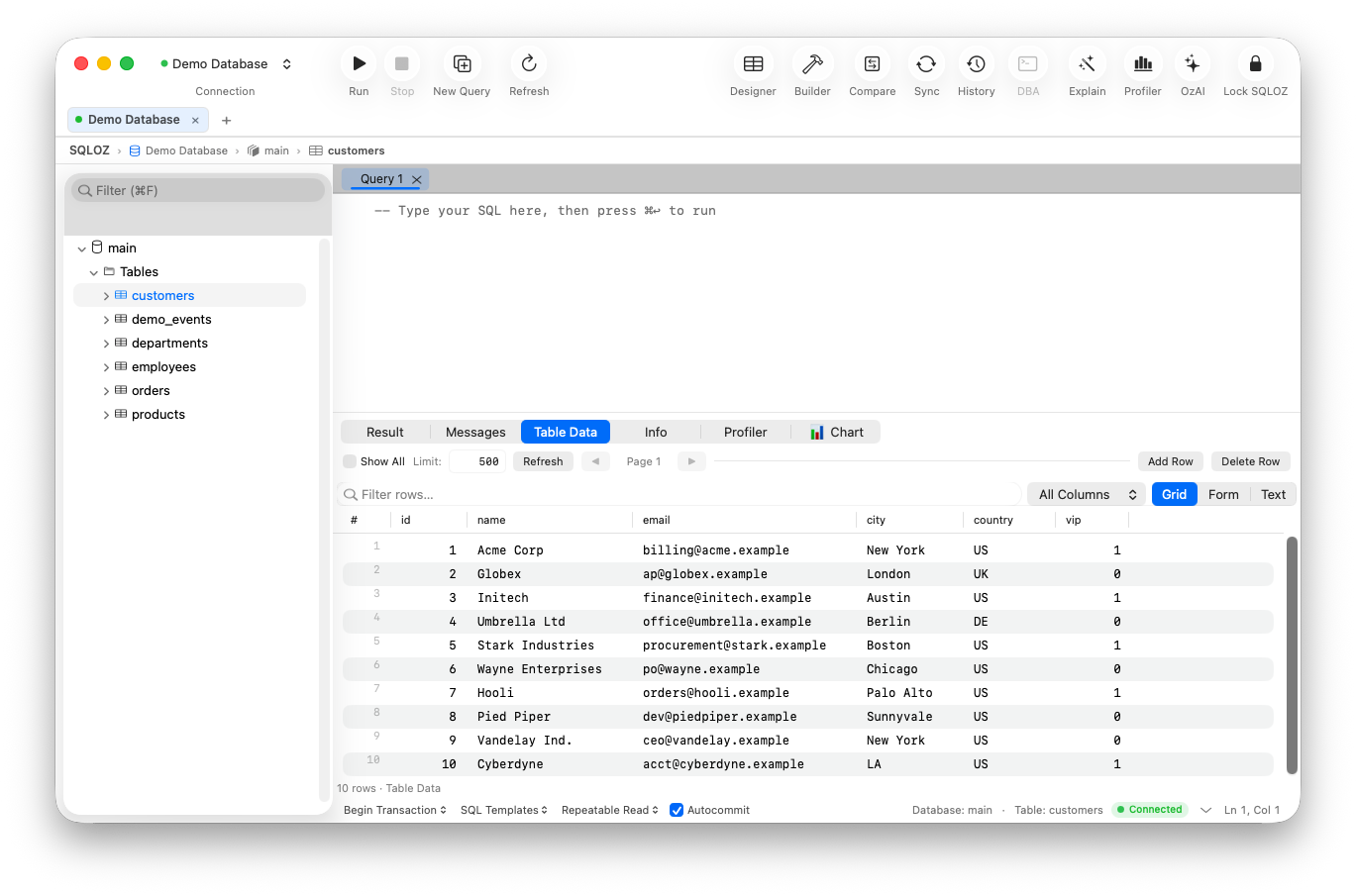
1. Interactive Hierarchical Tree View
When you click on any JSON or JSONB cell in SQLOZ, the sheet presents an interactive tree view:
- Expand and collapse deep associative arrays and dictionaries with keyboard arrow keys.
- Data types (boolean, integer, float, string, null) are distinctly color-coded.
- Object size and array lengths are explicitly displayed alongside parent keys.
2. Live Syntax Validation and Formatting
Switch between formatted Pretty JSON and the Tree View with one keystroke (⌘J). As you edit nested keys, SQLOZ runs real-time parser validation against the active document, preventing invalid JSON literals from being committed to the database buffer.
3. Integrated DML Safety Gate
When submitting changes back to the server, SQLOZ automatically generates safe, parameterized JSON_SET() or PostgreSQL assignment statements. If your query lacks a specific primary key predicate, SQLOZ’s Safety Gate halts execution to prevent accidental global overwrites.
Indexing JSON Columns for Sub-Millisecond Reads
If your queries frequently filter by a specific nested attribute (e.g., theme or tier), relying on sequential scans will degrade database throughput.
Creating a GIN Index in PostgreSQL
-- Fast index for arbitrary @> key lookups
CREATE INDEX idx_accounts_metadata_gin ON accounts USING GIN (user_metadata);

-- Targeted B-tree index for a specific scalar string
CREATE INDEX idx_accounts_tier ON accounts (((user_metadata->'billing'->>'tier')));
Creating Functional / Virtual Indexes in MySQL 8.0+
-- Add a virtual generated column and index it with a B-tree
ALTER TABLE accounts
ADD COLUMN billing_tier VARCHAR(32)
GENERATED ALWAYS AS (user_metadata->>'$.billing.tier') VIRTUAL;

CREATE INDEX idx_accounts_billing_tier ON accounts(billing_tier);
Conclusion & Recommended Workflow
Working with document stores inside relational engines offers the schema flexibility of NoSQL combined with the ACID guarantees of MySQL and PostgreSQL. However, editing JSON should not require navigating unescaped strings in raw CLI prompts.
By combining native GIN/functional indexes with visual tree inspection in SQLOZ, engineering teams can manipulate semi-structured records with complete confidence and zero risk of JSON payload corruption.
For further reading on schema design and safe data modification, explore our guide on How to Safely Run UPDATE and DELETE Queries Without Crashing Production and learn about Inspecting and Filtering Large Database Tables Without SQL.