
Migrating records within the same database engine (MySQL to MySQL replica, or PostgreSQL to PostgreSQL physical cluster) is standard procedure. But executing a cross-database migration - such as converting MySQL to PostgreSQL, SQLite to MySQL, or PostgreSQL to SQLite - is notoriously difficult.
Cross-dialect conversions force you to resolve fundamentally incompatible type systems, different transaction semantics, auto-increment vs. sequence generators, and procedural language differences.
Historically, developers turned to command-line utilities or written-from-scratch Python scripts. But in 2026, a new generation of graphical cross-database migration tools for macOS makes switching database engines visual, safe, and automated.
In this roundup, we review the top cross-database migration GUI tools for Mac in 2026.
What Makes a Great Cross-Dialect Migration Tool on Mac?
Not all database clients are equipped to handle heterogeneous migrations. A true cross-database tool must provide:
- Automated Dialect Translation: Automatically map disparate types (e.g., MySQL
TINYINT(1)to PostgreSQLBOOLEAN, or PostgreSQLUUIDto SQLiteTEXT). - In-Memory Streaming: Stream records directly between database sockets in RAM without writing multi-gigabyte temporary CSV files to disk.
- Identity & Sequence Auto-Alignment: Automatically execute
setval()on target identity sequences so new inserts don’t immediately crash after cutover. - Visual Pre-Migration Diff: Preview column mappings, target schemas, and index definitions before committing writes.
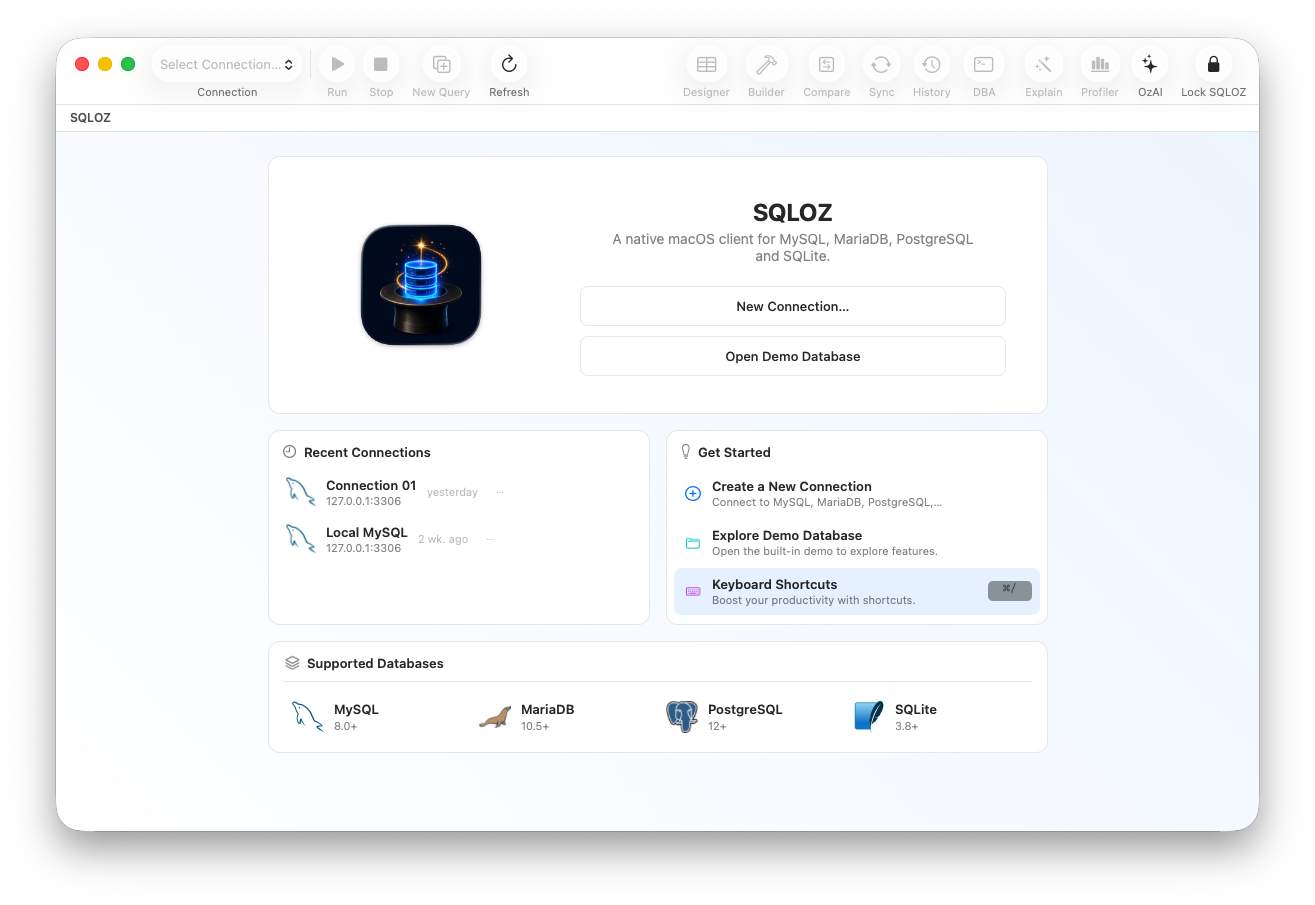
1. SQLOZ: The Benchmark for Native macOS Cross-Dialect Migration
SQLOZ is a 100% native macOS application engineered in Swift and Metal, optimized for Apple Silicon (M1, M2, M3, M4).
Key Migration Capabilities:
- True Heterogeneous Migration: Convert bidirectionally between MySQL, PostgreSQL, SQLite, and MariaDB with a single click.
- Intelligent Type Adaptation: Automatically converts MySQL
INT UNSIGNEDto PostgreSQLBIGINTto prevent integer overflow crashes, normalizes zero dates (0000-00-00), and handles identity sequence counters automatically. - Apple Silicon Memory Pipeline: Bypasses temporary disk dumps by streaming binary packets directly through unified memory, saturating 10GbE network interfaces.
- Attended Row-Level Repair: Includes built-in data comparison and schema diffing to mathematically verify parity before DNS cutover.
Verdict: The undisputed #1 choice for Mac developers who want speed, safety, and a pure native macOS experience.
2. DBeaver Enterprise (Commercial Edition)
DBeaver’s paid commercial edition includes an advanced data transfer wizard capable of mapping tables between different database drivers.
- Pros: Supports hundreds of legacy enterprise databases via JDBC.
- Cons: Java/Eclipse RCP architecture feels heavy and sluggish on macOS; consumes 1GB+ RAM; free Community Edition lacks automated dialect type mapping.
- Verdict: Solid for legacy enterprise environments with obscure database engines, but heavy for everyday Mac developers.
3. Navicat Premium
Navicat Premium is a veteran commercial suite that includes robust cross-database synchronization and data transfer features.
- Pros: Mature data transfer wizard with scheduled batch capabilities.
- Cons: Extremely expensive perpetual/subscription licensing; interface styling feels dated and non-native on modern macOS Sequoia and Sonoma.
- Verdict: Capable, but costly for indie developers, startups, and agile engineering teams.
4. TablePlus (Limited Cross-Dialect Support)
TablePlus is beloved on the Mac for its sleek native design, but how does it fare for migrations?
- Pros: Beautiful, lightweight interface.
- Cons: Lacks an integrated cross-dialect migration engine. While you can export a table to CSV and re-import it into another database, it does not translate DDL, map data types, or synchronize sequences automatically.
- Verdict: Great daily viewer, but not a migration tool.
Side-by-Side Comparison Matrix
| Feature | SQLOZ (Native Mac) | DBeaver Enterprise | Navicat Premium | TablePlus |
|---|---|---|---|---|
| Architecture | Native Swift & Metal | Java / Eclipse | C++ / Qt | Native Swift |
| Cross-Dialect Engine | ✅ Built-in (1-Click) | ✅ Built-in (Paid) | ✅ Built-in (Paid) | ❌ Manual CSV Only |
| Auto Type Translation | ✅ Automatic AST | ⚠️ Partial / Config | ✅ Advanced | ❌ None |
| Auto Sequence Reset | ✅ Automatic | ⚠️ Manual Script | ⚠️ Manual Script | ❌ None |
| Idle RAM Usage | 45 MB – 75 MB | 900 MB – 1.5 GB | ~350 MB | ~90 MB |
| macOS Native Feel | Exceptional | Poor (Java UI) | Fair (Qt UI) | Very Good |
Summary
Migrating between MySQL, PostgreSQL, and SQLite is a pivotal moment in any application’s lifecycle. Don’t risk data corruption with fragile shell scripts or pay exorbitant enterprise fees for clunky Java software.
With SQLOZ, Mac users get a lightning-fast, visually verified, and native cross-dialect migration engine built for Apple Silicon.
Download SQLOZ for macOS and experience the future of database migration on Mac.