
Many of the most popular modern web frameworks - including Laravel 11+, Django, and Ruby on Rails - now default to local SQLite databases for initial development. Developing against a local SQLite file is fast, portable, and requires zero local daemon setup.
However, when preparing for production deployment on infrastructure like AWS RDS, Google Cloud SQL, or a managed MySQL VPS, you must migrate your local schema and seed data to MySQL.
Converting SQLite to MySQL isn’t as simple as importing raw SQL. SQLite’s permissive type affinity allows data structures that MySQL’s strict storage engine will instantly reject.
In this tutorial, we cover the essential conversion rules and demonstrate how to migrate your local SQLite database directly to MySQL using SQLOZ on macOS.
1. Dialect Pitfalls: Moving from SQLite to MySQL
When moving data from a serverless embedded file into MySQL’s InnoDB storage engine, keep these common tripwires in mind:
A. Missing Column Constraints in SQLite
SQLite allows you to insert text into integer columns, or declare tables without explicit primary keys. MySQL strictly enforces column data types. If a column in SQLite was declared with loose types, MySQL will throw errors during bulk ingestion:
-- SQLite allows this:
CREATE TABLE logs (
    id, -- No type specified!
    payload
);
In MySQL, every column must have an explicit data type, character set, and indexing definition:
-- MySQL requires this:
CREATE TABLE logs (
    id BIGINT UNSIGNED NOT NULL AUTO_INCREMENT PRIMARY KEY,
    payload LONGTEXT
) ENGINE=InnoDB DEFAULT CHARSET=utf8mb4;
B. Boolean Storage: Integers vs. TINYINT(1)
SQLite represents booleans as plain integer numbers (0 and 1). In MySQL, standard practice is to use TINYINT(1). When transferring data, column types must be mapped correctly to maintain compatibility with backend ORMs like Eloquent or Prisma.
C. Foreign Key Enforcement
In SQLite, foreign keys are disabled by default unless explicitly activated via PRAGMA foreign_keys = ON;. In MySQL InnoDB, foreign keys are strictly enforced on every insert. If your SQLite database contains orphan records, bulk loading will abort unless constraints are staged properly.
2. The Traditional Manual Conversion Nightmare
Historically, developers attempted to dump SQLite using the CLI:
sqlite3 local.db .dump > sqlite_dump.sqlThen they would run sed/regex search-and-replace scripts to:
- Remove
PRAGMAstatements. - Replace double quotes (
") with MySQL backticks (`). - Replace
AUTOINCREMENTwithAUTO_INCREMENT. - Add
ENGINE=InnoDB DEFAULT CHARSET=utf8mb4to every table creation statement.
For databases containing more than a few thousand rows or multi-line strings, manual regex manipulation almost always corrupts escaping or breaks transaction blocks.
3. The One-Click Native Solution: Migration with SQLOZ
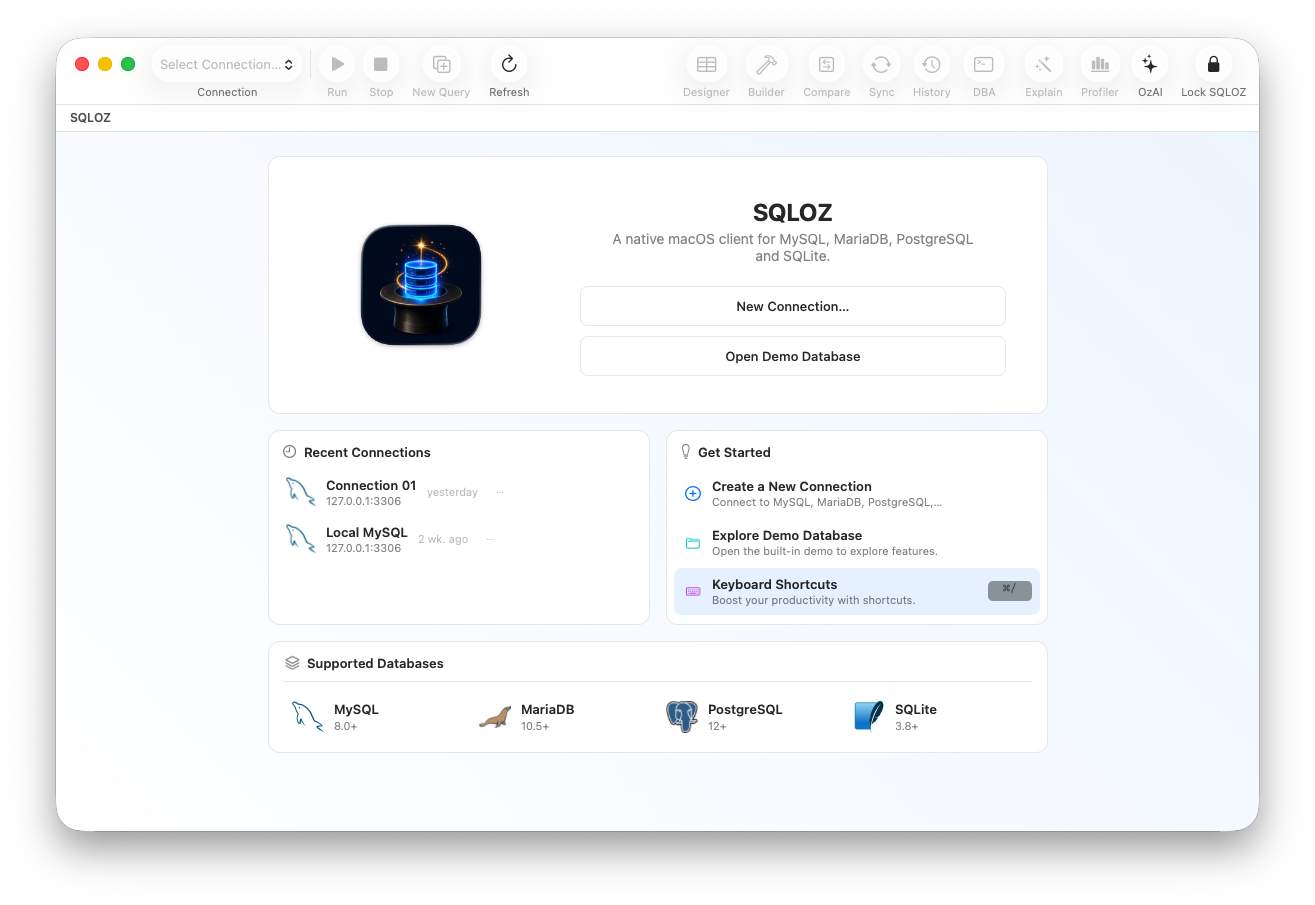
SQLOZ is a native macOS database client engineered in Swift and Metal. It provides an automated cross-dialect bridge that migrates SQLite databases to MySQL with zero manual regex editing.
Step 1: Open Your SQLite Database in SQLOZ
- Open SQLOZ.
- In the Object Browser, click Add Connection and select your local
.sqliteor.dbfile.
Step 2: Connect to Your Target MySQL Database
In the same window, connect to your remote MySQL server (directly or through an SSH Tunnel).
Step 3: Run the Cross-Dialect Migration Wizard
- Right-click your SQLite connection in the sidebar and select Migrate to MySQL…
- Choose your target MySQL database and collation (e.g.,
utf8mb4_unicode_ci).
Step 4: Intelligent DDL Compilation
SQLOZ’s internal AST compiler automatically:
- Upgrades primary keys to
BIGINT UNSIGNED NOT NULL AUTO_INCREMENT PRIMARY KEY. - Adds
ENGINE=InnoDBand proper character set directives. - Normalizes ISO-8601 text timestamps into MySQL
DATETIMEorTIMESTAMP. - Stages foreign keys to build after table data is loaded, avoiding foreign key constraint crashes during ingestion.
Step 5: High-Speed Direct Ingestion
Click Migrate. SQLOZ streams the data directly through memory without writing temporary text files to disk. You can monitor the progress bar and live row counters in real time.
4. Validating Your MySQL Deployment
Once the migration completes:
- Verify Live Row Counts: Check the table stats in SQLOZ to ensure zero rows were dropped.
- Review Auto-Increment Counters: Ensure your MySQL
AUTO_INCREMENTvalue is properly incremented past your highest existing ID (SHOW TABLE STATUS LIKE 'users';). - Point Your Production App: Update your
.envconfiguration file with your MySQL credentials, and your application will run seamlessly.
Summary
Graduating from a local SQLite prototype to a production MySQL cluster is a major step forward. Don’t let fragile regex scripts or broken dumps slow down your deployment schedule.
With SQLOZ, Mac developers can migrate SQLite databases to MySQL cleanly, safely, and natively in seconds.
Download SQLOZ for macOS and launch your production database today.