
Running automated unit tests against a live remote PostgreSQL instance is a well-known development anti-pattern:
- Network latency turns a 10-second test suite into a 3-minute slog.
- Concurrent test runners can deadlock or collide on shared database fixtures.
- Running full PostgreSQL containers inside Docker drains laptop battery life and slows down older MacBooks.
The solution used by senior engineering teams is test virtualization with SQLite: convert your PostgreSQL schema and seeded fixtures into a local, in-memory or single-file SQLite database.
In this tutorial, we show you how to quickly extract a PostgreSQL database into an offline SQLite testing database using SQLOZ on macOS.
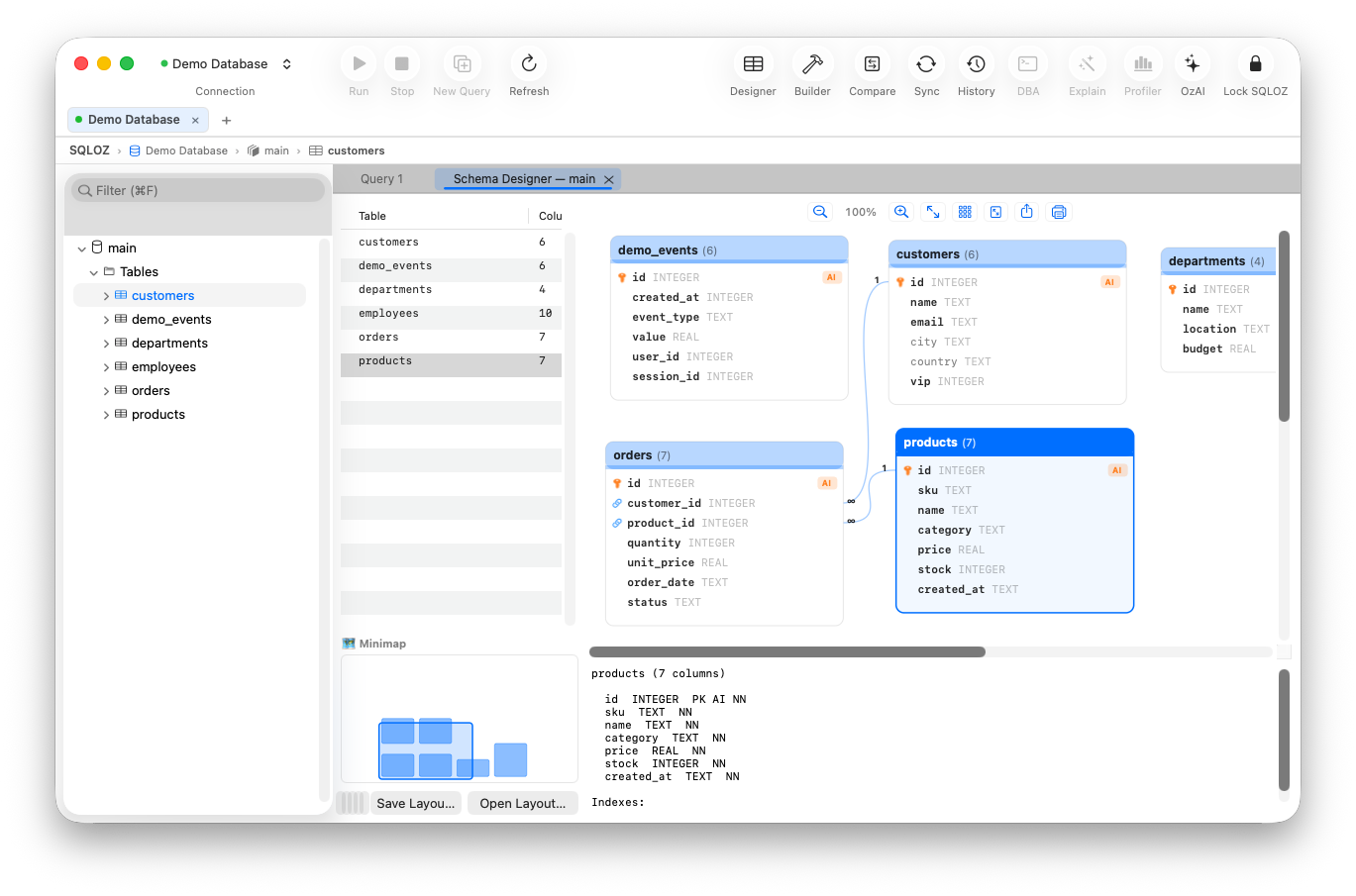
1. Why Test with SQLite Instead of Full PostgreSQL?
| Feature | Remote PostgreSQL Docker | Local SQLite File / In-Memory |
|---|---|---|
| Startup Overhead | ~5 – 15 seconds | Instant (0 ms) |
| Test Suite Execution | Moderate (Network / Socket I/O) | Blazing (In-Memory RAM) |
| RAM Footprint | ~350 MB – 800 MB | < 10 MB |
| Offline Capability | Requires local daemon | 100% Offline (Single File) |
2. The Conversion Obstacles: Postgres to SQLite
When generating an offline SQLite test database from PostgreSQL:
- UUID Columns: PostgreSQL uses native 128-bit UUIDs. SQLite requires mapping these to 36-character
TEXTstrings. - Boolean Casts: Ensure that PostgreSQL booleans (
true/false) convert cleanly to SQLite integer flags (1/0). - Array Types: PostgreSQL supports native array types (e.g.,
text[]orinteger[]). In SQLite, these should be serialized to JSON text strings.
3. Fast Extraction with SQLOZ on Mac
With SQLOZ, you can generate an offline SQLite snapshot from your live staging or development PostgreSQL database in under a minute:
- Open SQLOZ and connect to your PostgreSQL database.
- In the Object Browser, right-click the target schema (e.g.,
public) and choose Export as SQLite Database… - Select which tables to include (e.g., exclude massive audit logs, include seed catalogs).
- Save the
.sqlitefile directly inside your application’stests/fixtures/directory.
SQLOZ automatically translates column types, formats timestamps into standardized ISO-8601 strings, and builds clean primary keys.
4. Configuring Your Test Runner
In frameworks like Laravel, Django, or Jest/Prisma, point your test environment configuration (.env.testing):
# Laravel:
DB_CONNECTION=sqlite
DB_DATABASE=/absolute/path/to/tests/fixtures/test_snapshot.sqlite

# Django:
DATABASES = {
    'default': {
        'ENGINE': 'django.db.backends.sqlite3',
        'NAME': BASE_DIR / 'tests/fixtures/test_snapshot.sqlite',
    }
}
Now your entire unit test suite runs in seconds, fully offline, without needing an active internet connection or local Docker daemon.
Summary
Speed up your testing workflow and work comfortably from anywhere. Converting PostgreSQL to SQLite for local fixtures saves battery, eliminates CI flakiness, and supercharges testing speed.
Download SQLOZ for macOS and create instant offline SQLite testing databases today.