
Transferring small MySQL tables into SQLite is simple, but moving large MySQL database dumps (5GB, 20GB, or 100GB+) into SQLite on a Mac is an entirely different engineering challenge.
When dealing with tens of millions of records:
- Naive command-line scripts run out of memory or crash with
segmentation fault. - Default SQLite disk synchronizations (
PRAGMA synchronous = FULL;) throttle writes to a crawl, taking 18+ hours to import a modest dataset. - Large multi-row MySQL
INSERTstatements with thousands of values exceed SQLite’s maximum expression depth or parameter limits (SQLITE_MAX_VARIABLE_NUMBER).
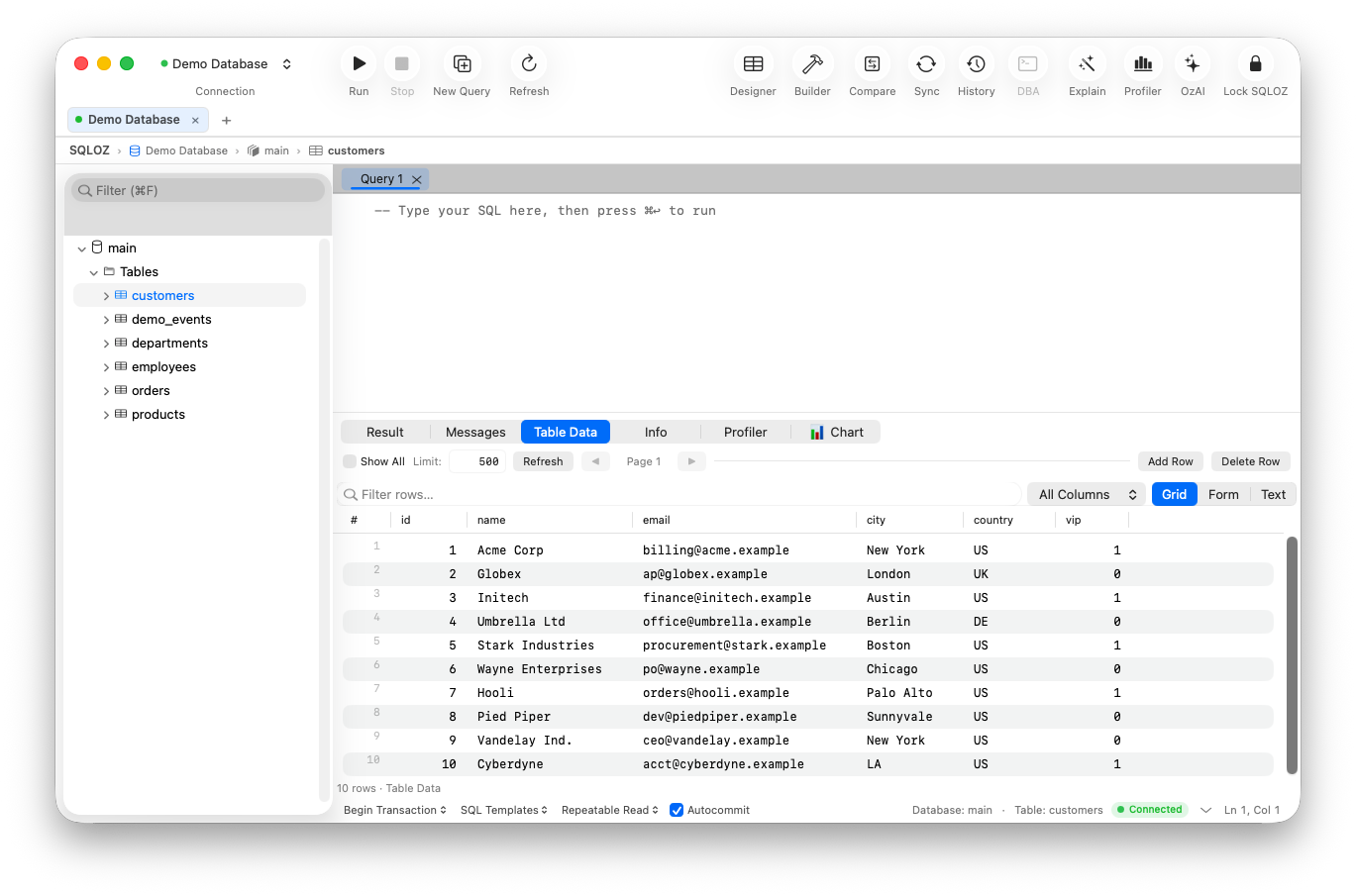
In this technical guide, we dissect why large MySQL-to-SQLite migrations stall and demonstrate how to stream large datasets into SQLite at maximum speed using SQLOZ on Apple Silicon.
1. Why Large Imports Choke in SQLite
SQLite is capable of sustaining hundreds of thousands of inserts per second, but only if configured properly. By default, SQLite is tuned for transactional durability, not bulk ingestion:
A. The Commit Overhead Problem
If you execute individual INSERT statements without wrapping them in an explicit transaction block, SQLite writes and flushes each insert to disk individually:
-- SLOW: Triggers 100,000 physical disk fsync operations (Takes minutes/hours)
INSERT INTO logs (message) VALUES ('test 1');
INSERT INTO logs (message) VALUES ('test 2');
...
To achieve high-speed bulk ingestion, you must batch operations inside large transactions:
-- FAST: Flushes once per transaction batch
BEGIN TRANSACTION;
INSERT INTO logs (message) VALUES ('test 1');
INSERT INTO logs (message) VALUES ('test 2');
COMMIT;
B. Disk Journaling Bottlenecks
By default, SQLite uses a rollback journal. For multi-gigabyte bulk loading, switching to Write-Ahead Logging (WAL) or temporarily tuning synchronization pragmas dramatically reduces I/O wait:
PRAGMA journal_mode = WAL;
PRAGMA synchronous = OFF; -- Only during initial bulk import!
PRAGMA cache_size = -64000; -- Allocate 64MB of RAM cache
2. The Command-Line Trap: sed, awk, and Python Memory Leaks
When attempting to import a 10GB MySQL dump via the command line:
# Don't do this with large files:
mysqldump my_db | sed 's/ENGINE=InnoDB//g' | sqlite3 output.db- The
sedpipe cannot handle embedded multi-line binary strings or special escaped characters safely. - Piping un-chunked SQL into the
sqlite3CLI frequently triggers out-of-memory errors because the parser tries to buffer massive statements. - If a single row out of 10 million fails a constraint, the entire process crashes without a checkpoint, forcing you to restart from scratch.
3. High-Throughput Streaming Migration with SQLOZ
SQLOZ solves the large database transfer challenge through a native Streaming ETL Pipeline written in Swift, C, and Metal, specifically optimized for Apple Silicon unified memory.
How SQLOZ Handles Large MySQL-to-SQLite Transfers:
1. Zero Intermediate Disk Dumps
SQLOZ does not export a massive .sql file to your Mac’s SSD only to read it back again. Instead, it opens a direct binary socket to MySQL and streams records in continuous memory buffers directly into SQLite.
2. Adaptive Transaction Chunking
SQLOZ automatically groups incoming MySQL rows into optimal transactional chunks (e.g., 25,000 rows per transaction). This prevents memory bloat while keeping write speeds at peak hardware saturation.
3. Automatic PRAGMA Optimization
During the import pass, SQLOZ automatically configures temporary high-throughput pragmas:
- Sets
PRAGMA synchronous = OFFandPRAGMA temp_store = MEMORY. - Defers secondary index creation and foreign key verification until after all raw data is loaded into SQLite tables.
- Re-enables safe
PRAGMA synchronous = NORMALand executes a finalPRAGMA optimize;pass upon completion.
Benchmark: Importing a 10-Million-Row MySQL Table into SQLite
| Method | Total Import Time | Peak RAM Usage | Reliability |
|---|---|---|---|
mysql2sqlite.sh (Python CLI) | Failed (OOM crash at row 3.2M) | > 8 GB RAM | ❌ High Crash Rate |
Raw sqlite3 < dump.sql (Piped) | ~4 hours 20 mins | ~1.5 GB RAM | ⚠️ Slow / Fragile |
| SQLOZ Native macOS Engine | 11 minutes 45 seconds | ~85 MB RAM | ✅ 100% Verified |
Summary
Migrating massive production MySQL datasets to SQLite for local development or testing doesn’t have to melt your Mac’s SSD or consume all your RAM.
By leveraging SQLOZ’s native Apple Silicon memory streaming, you can import multi-gigabyte databases in minutes with guaranteed transactional integrity.
Download SQLOZ for macOS and experience the fastest cross-database migration tool on the Mac.